How to Build a Complete AI Automation Workflow for Content Creators (Step-by-Step)
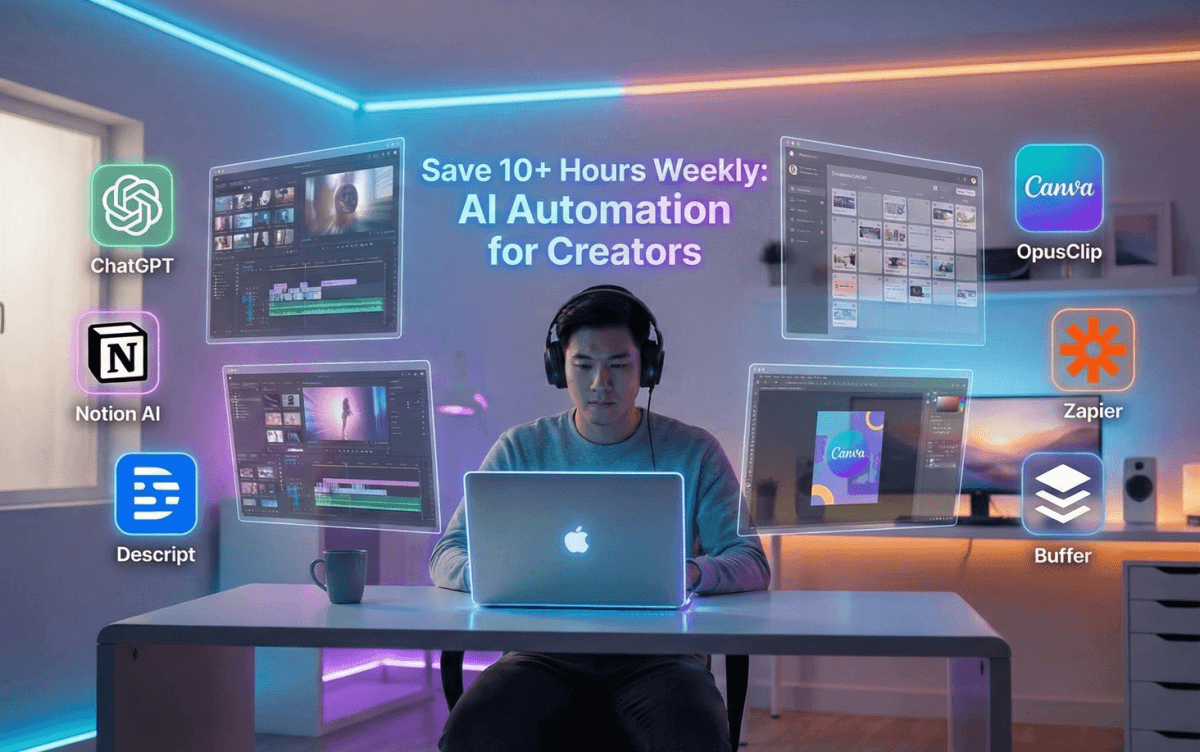
Why creators are burning hours every week
Most content creators don’t struggle with ideas.
They struggle with time.
Writing, editing, repurposing, posting, replying, organizing — it all adds up. Many creators spend 20–30 hours a week on tasks that don’t actually grow their audience.
The truth is simple:
You don’t need to work harder. You need a smart AI automation workflow.
In this guide, you’ll learn how to build a complete, beginner-friendly AI automation system that saves time every single week — without coding, without hiring a team.
What Is an AI Automation Workflow (In Simple Words)
An AI automation workflow is a system where:
AI tools handle repetitive tasks
You focus only on creativity and strategy
Content moves automatically from idea → publish → repurpose
Instead of doing everything manually, you let AI do the heavy lifting.
Pillar 1: Content Ideation & Research Automation
The problem
Creators waste hours thinking:
“What should I post next?”
The AI-powered solution
Use AI to:
Generate content ideas
Validate topics
Create outlines instantly
How to automate this
Use ChatGPT for topic ideas, hooks, and outlines
Save prompts for recurring content formats
Create a weekly idea batch in one session
Result
What used to take 3–4 hours now takes 30 minutes.
Pillar 2: Writing & Script Creation Automation
The problem
Writing from scratch is slow and mentally draining.
The AI-powered solution
AI writes the first draft.
You polish it with your voice.
How to automate this
Use AI to generate:
Blog drafts
Video scripts
Social captions
Follow a fixed structure (like your saved blog template)
Edit for tone, clarity, and examples
Result
You write 2–3x faster with less burnout.
Pillar 3: Visual & Video Content Automation
The problem
Editing images and videos eats massive time.
The AI-powered solution
Let AI generate and assist with visuals and videos.
How to automate this
Use AI video tools for:
Short-form clips
Talking-head videos
Text-to-video content
Use AI image generators for:
Blog covers
Thumbnails
Social visuals
Result
You save 5–10 hours weekly on editing alone.
Pillar 4: Repurposing Content Automatically
The problem
Creators post once and move on — wasting content potential.
The AI-powered solution
Turn one piece of content into many formats automatically.
How to automate this
Convert blogs into:
Twitter/X threads
LinkedIn posts
Instagram captions
Turn long videos into short clips
Use AI to rewrite content for each platform
Result
One idea becomes 10+ pieces of content with minimal effort.
Pillar 5: Publishing & Scheduling Automation
The problem
Manually posting everywhere breaks focus.
The AI-powered solution
Schedule once. Publish everywhere.
How to automate this
Use schedulers to auto-publish content
Create platform-specific captions using AI
Batch content weekly instead of daily posting
Result
No more daily posting stress. Everything runs on autopilot.
Pillar 6: Engagement & Management Automation
The problem
Comments, DMs, and emails quietly steal hours.
The AI-powered solution
AI helps you respond faster and stay organized.
How to automate this
Draft replies with AI
Use templates for common questions
Organize leads and ideas automatically
Result
You stay responsive without being overwhelmed.
A Simple Weekly AI Automation Workflow (Example)
Here’s what a smart creator week looks like:
Monday:
AI generates ideas + outlines (1 hour)Tuesday:
Write blogs and scripts using AI drafts (2–3 hours)Wednesday:
Generate visuals and videos (2 hours)Thursday:
Repurpose content into shorts and posts (1 hour)Friday:
Schedule everything and review analytics (30 minutes)
Total time: 6–8 hours
Manual version: 20+ hours
Common Mistakes to Avoid
Using too many tools at once
Publishing AI content without editing
Automating without a clear workflow
Ignoring quality for speed
Automation should support creativity, not replace it.
How to Start (Beginner Action Plan)
If you’re new, do this:
Pick one AI writing tool
Automate ideation + drafts first
Add visuals and repurposing later
Build slowly, not all at once
Simple systems beat complex ones.
Final Thoughts
AI automation is not about laziness.
It’s about leverage.
Creators who win in 2025 won’t work more hours —
they’ll build better systems.
Start small. Automate smart.
And let AI handle the boring work so you can focus on growth.
Join the conversation
Sign in to share your thoughts and engage with other readers.
No comments yet
Be the first to share your thoughts!